The introduction of **Split APKs** was a revolution in how Android apps are delivered via Google Play. By breaking an app into multiple pieces—one for each specific screen density, CPU architecture, and language—Google was able to significantly reduce download sizes for millions of users. However, this architectural win for performance created a massive headache for archival, sideloading, and legacy device compatibility. In this technical guide, we'll explore why you might want to convert these fragmented "Splits" back into a single, monolithic **Standard APK** and explain the automated process to achieve this without breaking app functionality.
Inside the Guide
1. Why Convert Splits to a Monolithic APK?
While split APKs are efficient for live devices, they are poor for long-term storage or specialized hardware. There are four primary technical motivations for conversion:
- Legacy Support (Android 4.4 and Below): Older versions of the Android OS do not have the
PackageInstallerlogic to handle multiple binaries for a single package. For these devices, a single, monolithic file is the only option. - Simplified Backup and Archival: Storing a single "Universal" APK file is far less error-prone and easier to manage on external drives or cloud storage than a folder of 15 different splits.
- Emulator Compatibility: Many lightweight Android emulators struggle with split installation sessions. A monolithic APK ensures a 100% success rate during the "Drag-and-Drop" install process.
- Better Analysis Support: Most security analysis tools, virus scanners, and resource inspects only support monolithic APK binaries.
2. The Structural Difference: Fragments vs. Universal Binary
Technically, "merging" splits isn't a simple ZIP-copy process. It requires structural re-organization:
- Split Architecture: An app is divided into
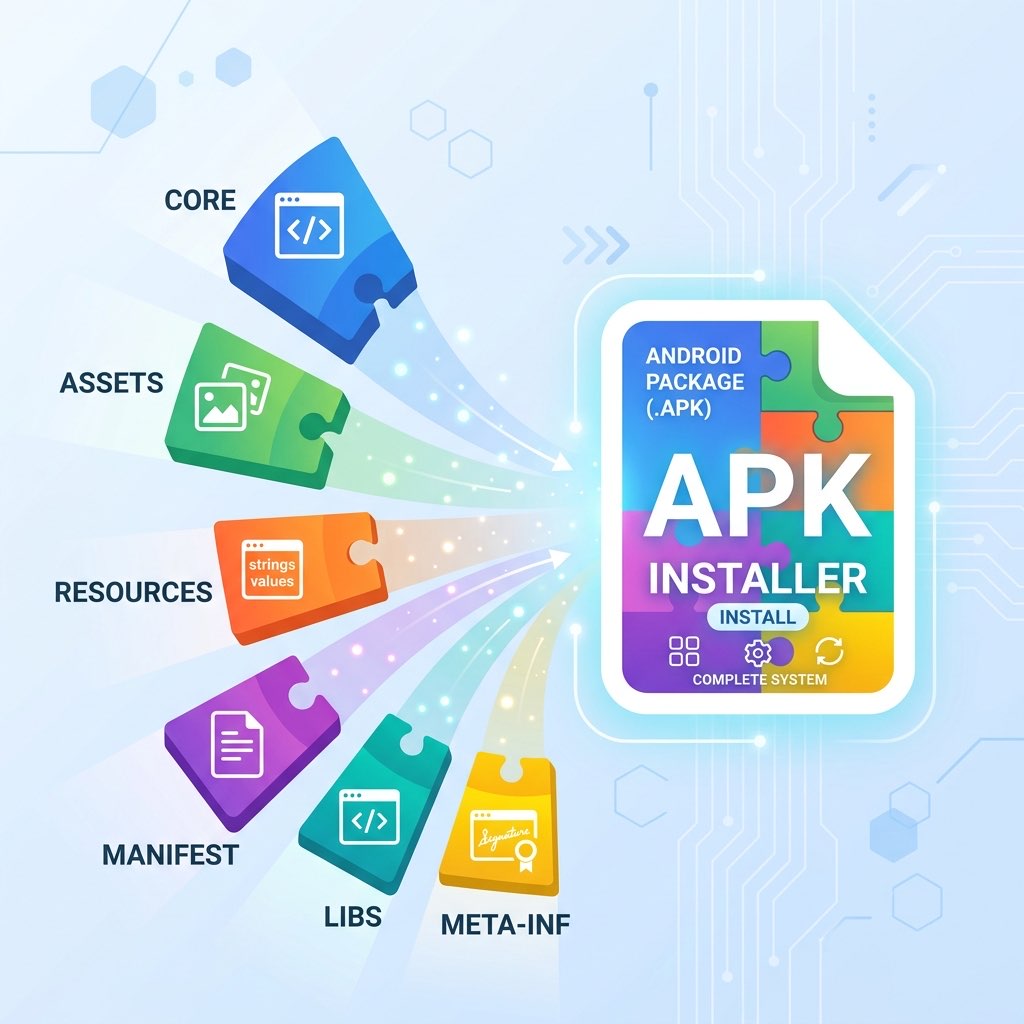
base.apk(code and essential resources) plussplit_config.xxhdpi.apk,split_config.arm64_v8a.apk, etc. Each split is a complete APK but only contains a subset of the resources. - Monolithic (Universal) APK: This is a single binary that includes **all** possible versions of the resources. It contains strings for every language, images for every density, and native libraries for every CPU (armeabi, v7a, v8a, x86).
3. Understanding the Limitations of Universal APKs
Before you convert, you must understand the trade-offs:
- Increased File Size: A "Universal" APK can be 50% to 200% larger than a specific split set because it houses redundant data that your specific device will never use.
- Resource Bloat: The Android OS will ignore the extra resources at runtime, but those files still take up permanent partition space.
- No Dynamic Features: If the original app used "On-Demand Features" that weren't included in your specific split set, the universal APK will not magically "create" them. You can only merge the splits you already have.
4. Step-by-Step Tutorial: Using XapkTool for Conversion
XapkTool simplifies this complex merging logic into an automated workflow. Here is how it works:
Step 1: Upload your Split Set
Open the XapkTool homepage and select the "Convert XAPK" tab. You can drop an **XAPK**, **APKM**, **APKS**, or even multiple **.apk** files simultaneously.
Step 2: Processing
Our tool identifies the base.apk and scans it for its PackageName and VersionCode. It then looks at current configuration splits and merges their internal assets/libreries into the base package structure.
Step 3: Re-signing
Because the internal structure of the APK is being modified, the original cryptographic signature is invalidated. XapkTool automatically re-signs the output using a new, valid certificate, which is why the final file is installable.
Step 4: Download the Result
The tool provides a single download link for your new monolithic binary. You can now rename it to whatever you like and install it.
5. The Problem of Certificate Consistency
A critical technical rule: **All splits being merged must originate from the same developer key.** If you try to merge a base.apk from version 1.0 with a configuration split from version 1.1, the conversion will fail because the internal code references will be broken. XapkTool performs an integrity check during the upload phase to ensure that all pieces are compatible.
6. How to Verify the Resulting Binary
After downloading your monolithic APK, we recommend performing two quick checks:
- Signature Check: Use our APK Analyzer to confirm that the app is signed and valid.
- Architecture Verification: Open the "Analysis" result and look for the "Architecture Analysis" section. A successful "Universal" merge should show multiple architectures (e.g., both
armeabi-v7aandarm64-v8a) being present.
7. Frequently Asked Questions
Can I convert an app if I only have the Base APK?
Yes, but the resulting monolithic APK will only work on devices that happen to match the *empty* or *default* configuration of the base. For a true universal APK, you should provide all the configuration splits.
Does this work for heavy games?
For games with OBB data, XapkTool is excellent. We merge the APK splits and provide the OBB instructions, ensuring that even large, multi-gigabyte games can be distilled into a manageable installer format.
Are there any security risks?
The only risk is that re-signing the app breaks its connection to the Google Play Store. You will not be able to receive automatic updates for that specific app anymore until you uninstall it and switch back to the official Play Store version.